Browse with Parakh
Curiosity.
With backup.
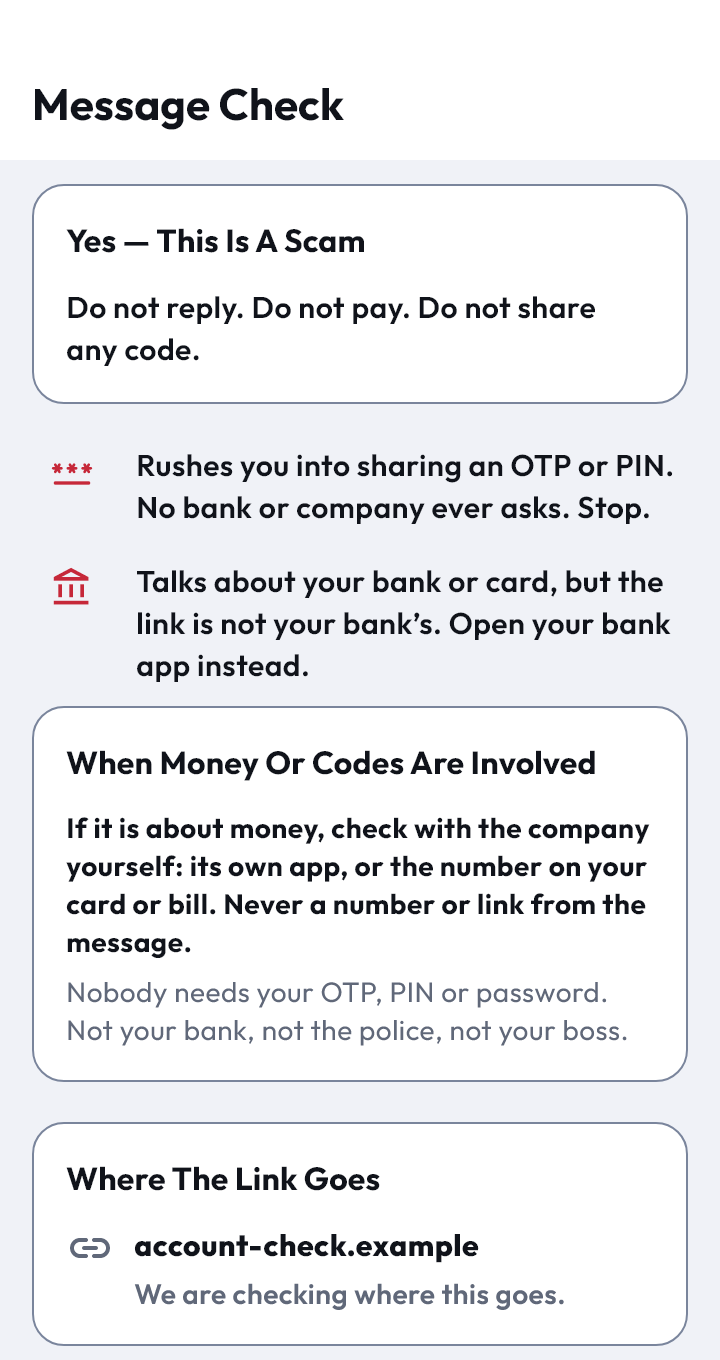
A full browser, with your AI Security Officer built in. Wander freely. Officer MAGI keeps an eye on where a link really leads.
A second look, at your pace
Before a link.
While you look.
Before you share.
Pause at the promise
A text says your parcel is waiting and sends you to a short link. Check where it goes before you decide.
Try the short-link momentSee what the page asks you to trust
Protected Preview keeps the destination in view with the warning. MAGI flags a name that doesn't match the address.
Give the request a closer look
If a page wants a password, card details or a one-time code, MAGI speaks up while your fingers are still hovering.
Protected Preview
Look at the page.
Don't trust it yet.
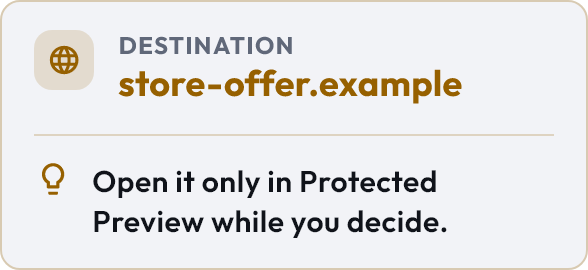
Not sure about a link? Open it in Protected Preview. The warning stays with the page, and the choice stays with you.
- 1Look first. See where the link really leads.
- 2Read the reason. MAGI explains the finding in plain words.
- 3Choose your route. Leave, or open the app you already know.
Your browsing, your call
Keep your browser.
Add an officer.
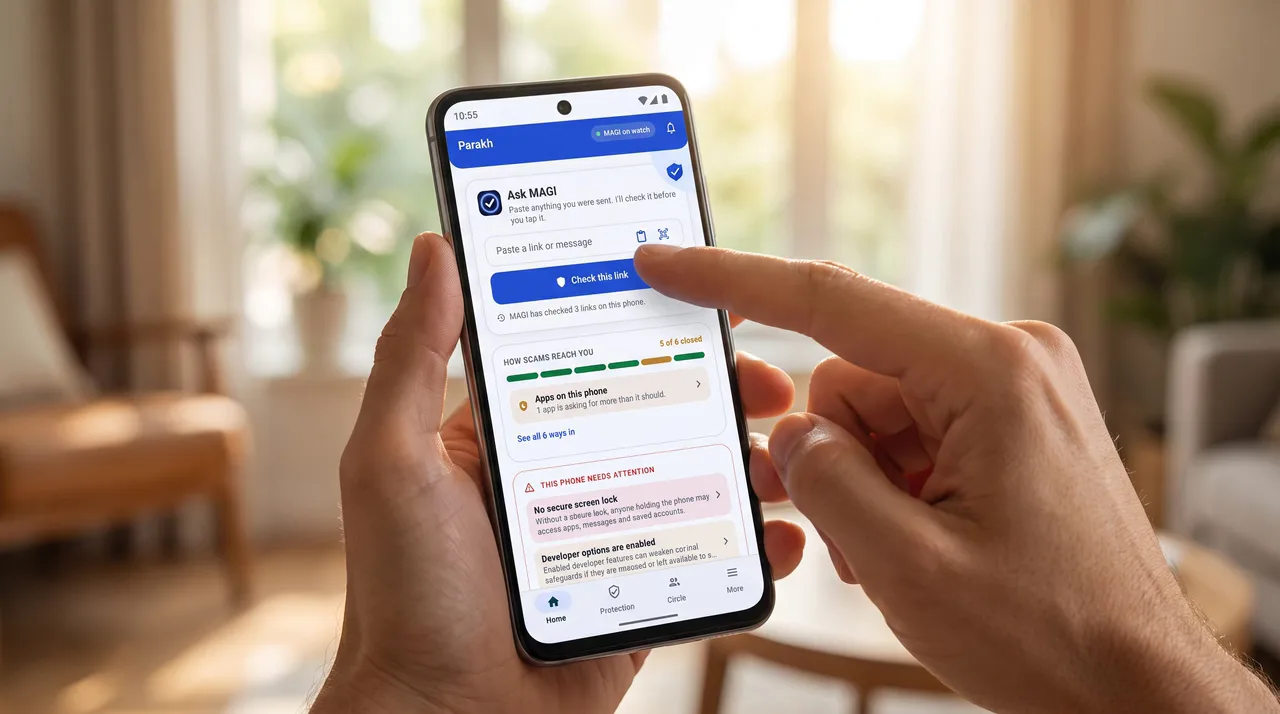
Love the browser you have? Keep it. When a link gives you pause, share or paste it into Parakh for MAGI's context. Or browse in Parakh, with Protected Preview close by.